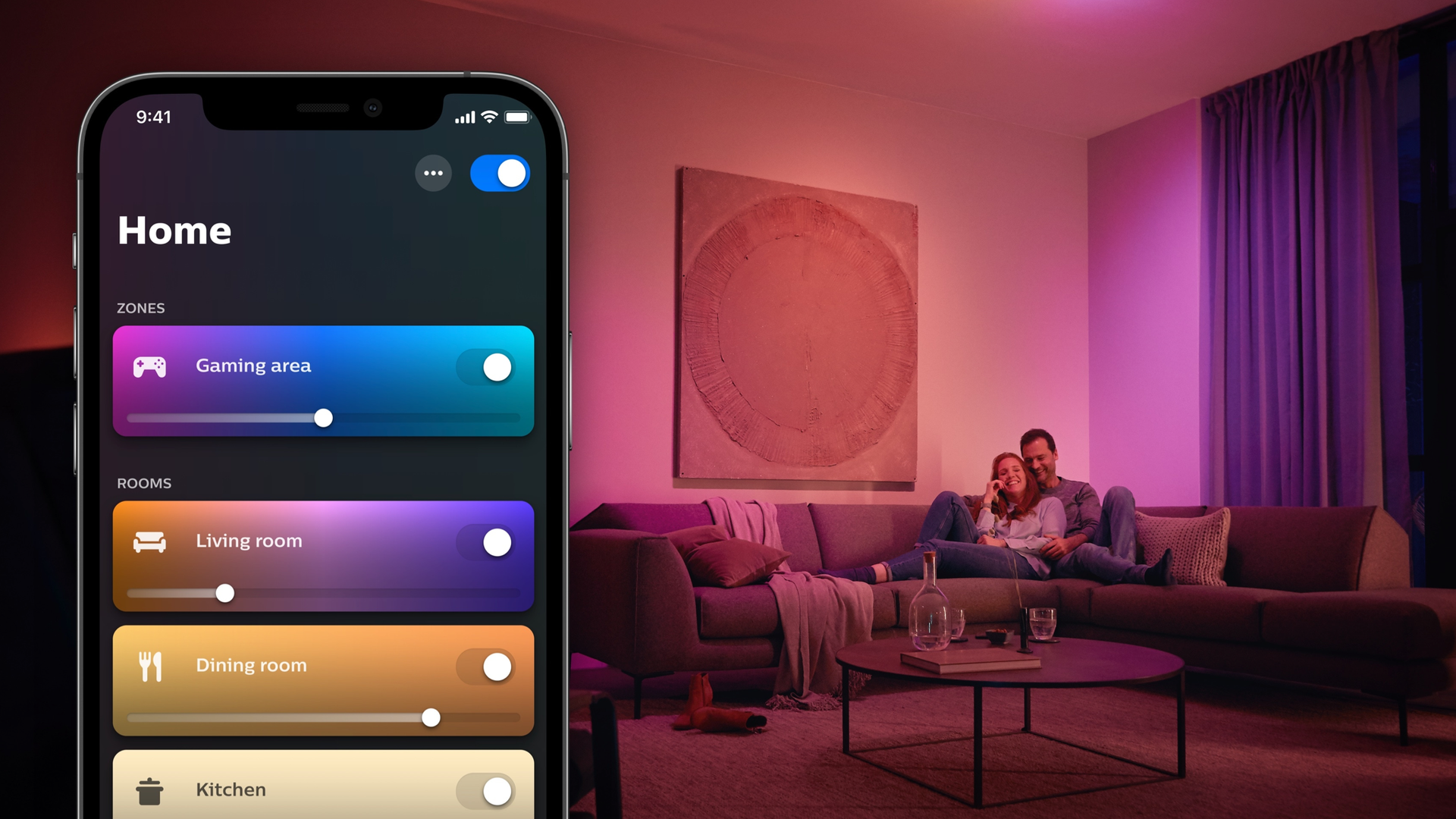
Philips Hue’s new AI lighting assistant is finally here, but don’t expect perfection
Custom AI behaviors have arrived in the Philips Hue app At the moment you can't edit what the AI creates AI features require the Hue Bridge Pro When we spoke to Hue founder and head of technology George Yianni in September, he told us about some exciting new features coming to the Hue ecosystem incl
<![CDATA[ <article> <ul><li><strong>Custom AI behaviors have arrived in the Philips Hue app</strong></li><li><strong>At the moment you can't edit what the AI creates</strong></li><li><strong>AI features require the Hue Bridge Pro</strong></li></ul><p>When <a href="https://www.techradar.com/home/smart-lights/you-can-really-unleash-a-lot-of-creativity-philips-hue-founder-george-yianni-explains-why-its-ai-upgrades-will-be-genuinely-useful-and-a-bit-of-a-game-changer">we spoke to Hue founder and head of technology George Yianni</a> in September, he told us about some exciting new features coming to the Hue ecosystem including <a href="https://www.techradar.com/home/smart-lights/no-hdmi-needed-philips-hues-new-camera-based-screen-sync-system-works-with-any-source-including-your-tvs-native-streaming-apps">Custom AI Behaviors</a>. And now they've arrived in the Hue app, provided that you have the <a href="https://www.techradar.com/home/smart-lights/the-philips-hue-bridge-pro-is-finally-on-sale-but-theres-something-you-should-know-before-you-buy-one">Hue Bridge Pro</a>.</p><p>Yianni told us that AI would be "a bit of a game changer" for the platform, and said of the custom behaviors that "natural language is a fantastic way to just describe arbitrarily how you would like your home to behave, and then we can use AI to translate that into a special programming language we’ve developed that runs the automation in the Bridge."</p><p>According to Yianni, "I now can finally have my home behave exactly the way I wanted to. I think that's a really big deal." But unfortunately according to <a href="https://hueblog.com/2026/10/29/custom-ai-behaviors-launched-in-the-philips-hue-app/" target="_blank">HueBlog</a>, the behaviors aren't quite behaving the way we'd like them to.</p><figure class="van-image-figure inline-layout" data-bordeaux-image-check="" ><div class='image-full-width-wrapper'><div class='image-widthsetter' style="max-width:2000px;"><p class="vanilla-image-block" style="padding-top:56.25%;"><img id="YKM9jc5z76EBeTzMcFDFKo" name="Philips Hue Bridge Pro 1" alt="The Philips Hue Bridge Pro." src="https://cdn.mos.cms.futurecdn.net/YKM9jc5z76EBeTzMcFDFKo-1920-80.jpg" mos="" align="middle" fullscreen="" width="2000" height="1125" attribution="" endorsement="" class="inline" /></p></div></div><figcaption itemprop="caption description" class=" inline-layout"><span class="caption-text">The new AI features require the Hue Bridge Pro. </span><span class="credit" itemprop="copyrightHolder">(Image credit: Future / Philips)</span></figcaption></figure><h2 id="how-to-use-philips-hue-custom-ai-behaviors">How to use Philips Hue Custom AI Behaviors</h2><p>The idea behind Custom AI Behaviors is simple: tell the AI what you want and the AI will craft the appropriate behavior for you and add it to the app. For example, you could tell the AI that you want specific lights to go on at sunset, and to use different color themes each time.</p><p>That's what Hueblog tried, and the AI understood the mission. But unfortunately it didn't quite get it right: instead of turning on only the specified lights, the behavior turned all the lights on. When Hueblog tried to get the AI to fix the issue "it gave up and simply displayed the error message."</p><p>It looks like the goal — use AI to make things simple — is perhaps too simple, because as Hueblog put it "you’re entirely limited by the AI’s logic and reasoning. If it doesn’t cooperate, you’re out of luck." Unlike, say, Apple's Shortcuts on macOS and iOS, there's no way to tweak the shortcuts the AI has created if they're not quite doing what you want.</p><p>This feels like a typical version 1.0 issue, where a feature is rolled out first and then updated based on user feedback. That means the no-tweaking issue is likely to be short-lived: in my experience Hue's pretty good at updating its app to deliver new features.</p><p>While the new AI features — the new Custom AI Behaviors and the previously launched <a href="https://www.techradar.com/home/smart-lights/the-philips-hue-app-can-now-customize-lighting-scenes-so-they-suit-the-layout-of-your-rooms">SpatialAware</a> scene optimization — are reserved for the Hue Bridge Pro, the app also provides updates for all Hue users including easier Screen Sync setup and improved scene recommendations. As ever the Hue app is available for both iOS and Android.</p><div data-widget-type="review" data-model-name="Philips Hue Play HDMI Sync Box 8K"></div> </article> ]]>
Read the full article on TechRadar
Read Full Article →