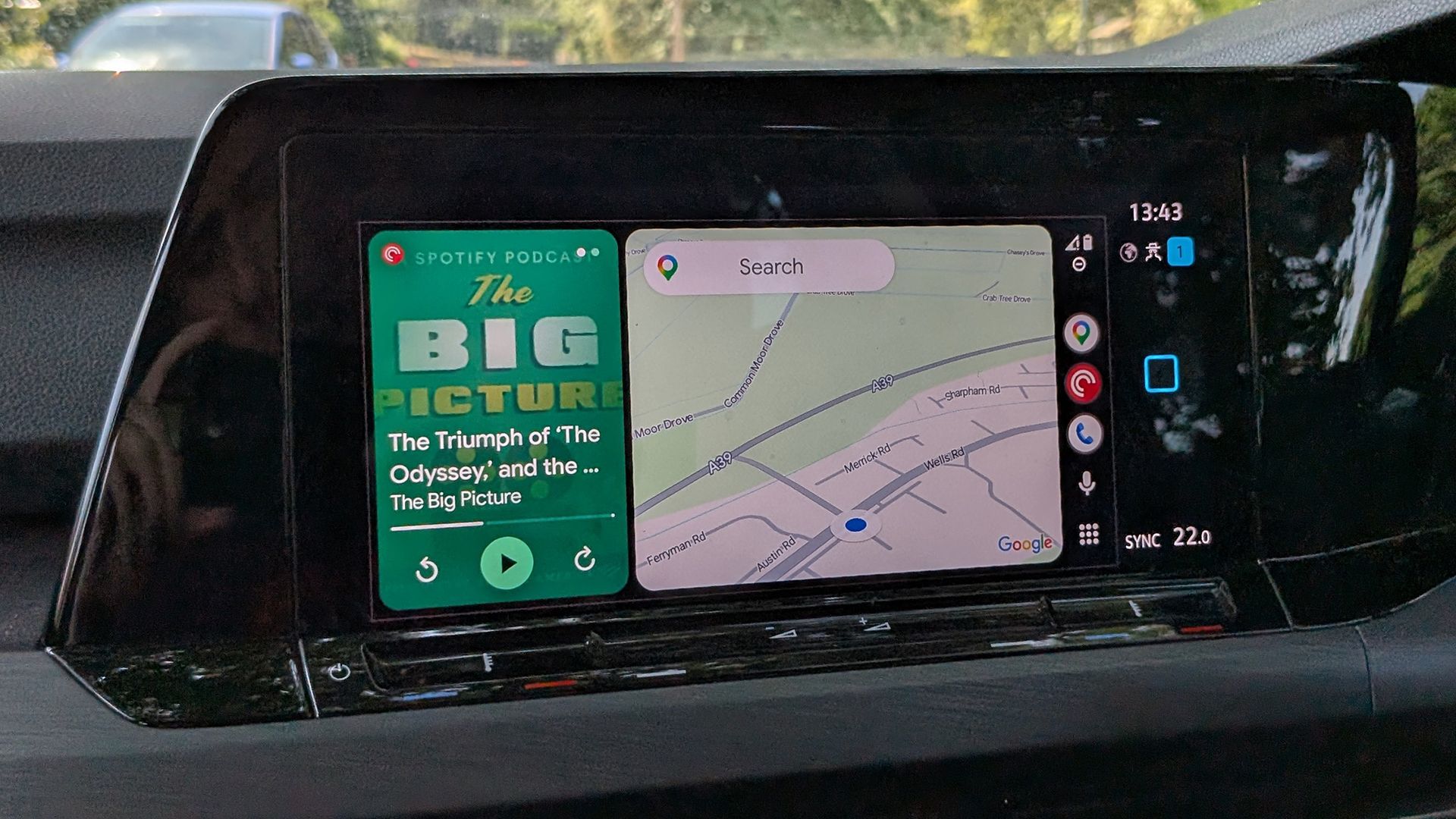
How to resolve the missing cellular signal icon bug in Android Auto
Android Auto has, for weeks, had a bug that causes the cellular signal icon to disappear for some users A few days ago, Google acknowledged the issue and said a fix would be rolling out The stable version of Android Auto 17.8 is now available and appears to fix this bug Usually, software bugs are fi
<![CDATA[ <article> <ul><li><strong>Android Auto has, for weeks, had a bug that causes the cellular signal icon to disappear for some users</strong></li><li><strong>A few days ago, Google acknowledged the issue and said a fix would be rolling out</strong></li><li><strong>The stable version of Android Auto 17.8 is now available and appears to fix this bug</strong></li></ul><p>Usually, software bugs are fixed quite quickly, but for weeks now, some Android Auto users have been experiencing a frustrating glitch that causes their phone’s cellular signal icon to disappear from the Android Auto display.</p><p>This hasn’t happened to every Android Auto user, and for some users, it’s been an intermittent bug, with the icon sometimes present and sometimes disappearing. But it’s annoying enough and widespread enough that Google has officially commented on it.</p><p>As spotted by <a href="https://9to5google.com/2026/10/05/android-auto-signal-icon-fix/" target="_blank">9to5Google</a>, a representative for the company posted on <a href="https://www.reddit.com/r/AndroidAuto/comments/1wvyfdj/comment/pdgwhg3/" target="_blank">Reddit</a> that: “We’re aware of reports about the missing cellular signal, and we’re actually currently rolling out a fix that should hopefully address this issue! The fix isn’t widely available yet, though, so it may take some time to reach your device – if you want to receive it sooner, though, you can enroll in the Android Auto beta.”</p><p>Thankfully, it seems you no longer need to enroll in the beta to get the issue fixed, as many users report that Android Auto 17.8 addresses the problem, and the stable version of this OS package is now rolling out.</p><figure class="van-image-figure inline-layout" data-bordeaux-image-check ><div class='image-full-width-wrapper'><div class='image-widthsetter' style="max-width:2000px;"><p class="vanilla-image-block" style="padding-top:56.25%;"><img id="ivUcCPnNPy9txnz6C5r45Y" name="01-android" alt="Android Auto dashboard" src="https://cdn.mos.cms.futurecdn.net/ivUcCPnNPy9txnz6C5r45Y-1920-80.jpg" mos="" align="middle" fullscreen="" width="2000" height="1125" attribution="" endorsement="" class="inline"></p></div></div><figcaption itemprop="caption description" class=" inline-layout"><span class="credit" itemprop="copyrightHolder">(Image credit: Future)</span></figcaption></figure><h2 id="how-to-fix-this-android-auto-bug">How to fix this Android Auto bug</h2><p>So, if you’re experiencing this bug, you should definitely download the latest version of Android Auto. To do so, just head to the Google Play Store on your phone, type ‘Android Auto’ into the search bar, and hit the update button on it if one is present.</p><p>If there’s no update available, your phone may have already automatically downloaded version 17.8, but to check which version you’re running, head to Settings > Apps (or Apps & notifications). Then, just scroll down to Android Auto, tap on it, and the version number should be at the bottom of this screen. Alternatively, you should be able to see the version at the bottom of the settings screen inside the Android Auto app.</p><p>If you’re running version 17.8, then this should fix the issue, but if you’re still experiencing the bug, it’s worth clearing Android Auto’s cache. To do this, head to Settings > Apps > Android Auto again, and this time tap ‘Storage,’ followed by ‘Clear cache.’</p><p>And if your phone isn’t running Android Auto 17.8 and there aren’t any updates available, your best option is probably just to wait and check again over the next few days. However, if you can’t wait, there’s always the option of sideloading it from a legitimate site like <a href="https://www.apkmirror.com/" target="_blank">APKMirror</a>.</p><p>To do this, just download the relevant file to your phone, then find it in your phone’s file manager app, and tap on it to begin the installation process. However, while this should generally be safe, we’d still, in most cases, recommend waiting for the update to be rolled out to you through official channels.</p><div data-widget-type="multimodelreview" data-widget-title="Today's best Android phone deals" data-model-name="Google Pixel 11,Google Pixel 11 Pro,Google Pixel 11 Pro XL,Google Pixel 11 Pro Fold,Samsung Galaxy S26,Samsung Galaxy S26 Plus,Samsung Galaxy S26 Ultra,Samsung Galaxy S26 FE"></div> </article> ]]>
Read the full article on TechRadar
Read Full Article →